 Kinnetly
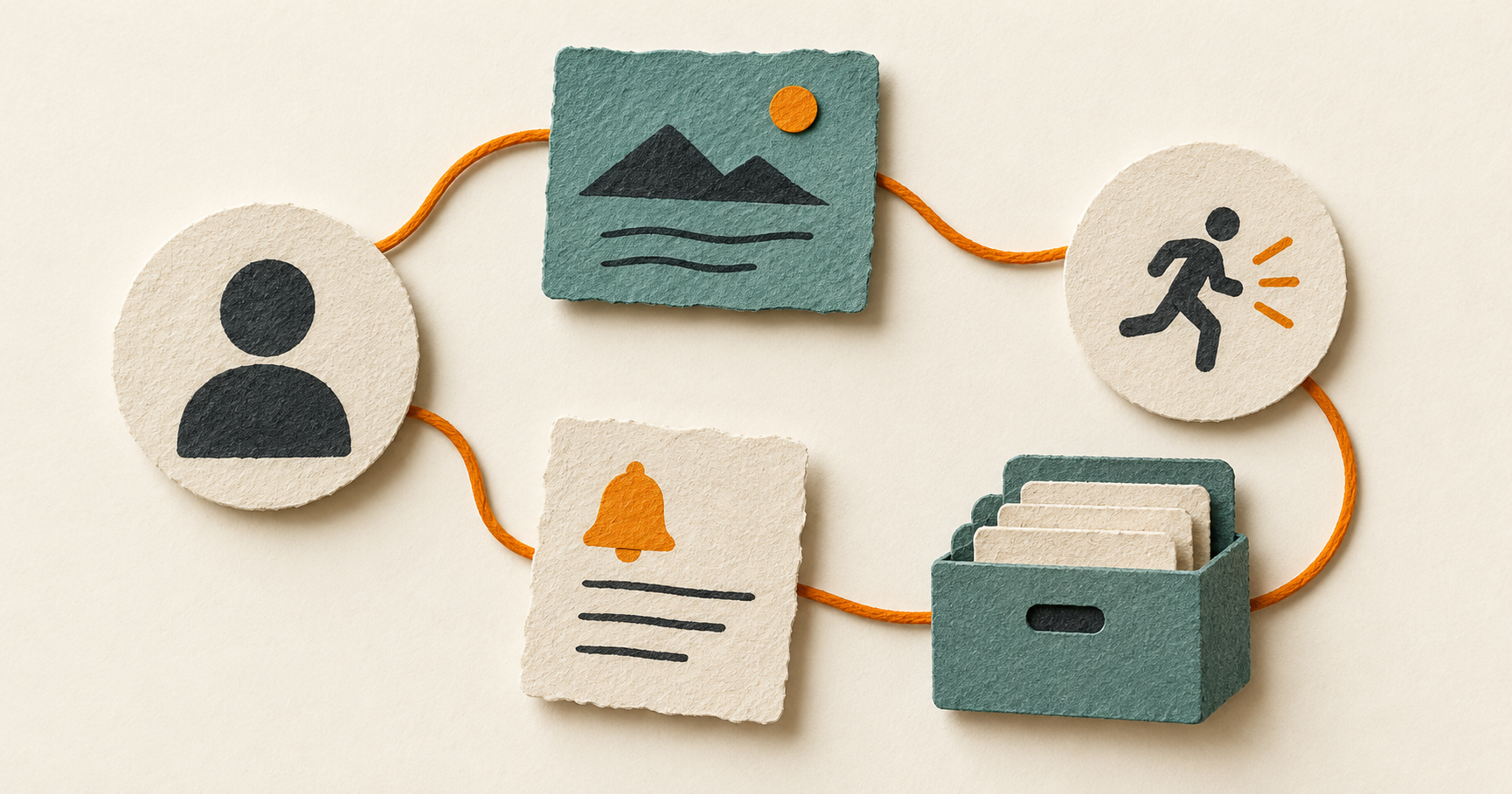
A CRM for individuals is a personal system for remembering relationship context and choosing the next useful action. It keeps the people you know, how you are connected, what has happened and any follow-up you want to make in one place.
That is a different job from the conventional business use of CRM. Microsoft describes CRM as a system that can manage customer relationships across sales, service and marketing. That makes sense for a shared customer process. An individual CRM is narrower and more personal: it helps one person retain the context around their own network.1
You do not need to treat everyone as a prospect to find a CRM useful. The point is to make a future conversation less dependent on searching old messages or relying on a vague memory.
The six components of a CRM for individuals
The best way to understand the category is to look at the components. You may keep some of them in a contacts app, a calendar or a notes app today. A CRM for individuals brings the pieces together around the relationship.
1. People
The starting point is a person record. At its most basic, it may hold a name and a way to contact them. A useful record can also hold the details that help you recognise the relationship later, such as their role, organisation or a short note about the work you discussed.
Keep the record proportionate. You do not need a biography for everyone you meet. Add details when they will help you prepare, follow through or avoid asking the same basic question twice.
2. Context
Context answers the question that a phone number cannot: why does this person matter in your life or work right now?
It might be a note that you met at a design meetup, a project you are discussing, or a preference they shared in conversation. Context can be brief. The aim is not to document a person exhaustively. It is to leave your future self a useful starting point.
A private note is often more helpful when it is attached to the person rather than left in a general notebook with an unclear title. For a closer look at that habit, read how to keep relationship notes useful without crossing a line.
3. Connections
Relationships rarely exist in isolation. Someone may be connected to a company, a professional group, an event or the person who introduced you.
A CRM for individuals can preserve those links. This is especially useful when you remember that you know someone through a community, but cannot remember which one, or when an introduction changes the tone of a later follow-up. The connection is not a score or a prediction. It is simple provenance: how the relationship entered your network.
Kinnetly takes this seriously with a relationship map. It lets you record people, companies, groups, events and introductions so the structure of your network is visible rather than buried in separate records.
4. Activities
An activity is a dated record of an interaction: a coffee, call, email, event conversation or other meaningful touchpoint. It gives a relationship some history without asking you to turn every exchange into an entry.
The useful standard is selective capture. After a conversation, record what changed, what you learned or what you agreed to do. If nothing needs to be remembered, there may be nothing to log.
Over time, activities can answer practical questions before a meeting: when did we last speak, what was the topic, and is there an open thread? They are relationship memory, not surveillance.
5. Reminders
A reminder turns an explicit intention into something you can act on later. It may be a one-off task, such as sending an article you promised, or a considered prompt to reconnect after a particular milestone.
A reminder should support judgement, not replace it. Seeing a prompt does not mean you must send a message. It gives you a chance to decide whether there is a genuine reason to get in touch.
If you are building the habit from scratch, start with one real commitment rather than setting a recurring reminder for every contact. The first-week personal CRM setup guide offers a deliberately small way to begin.
6. Control over your data
A relationship system can become more valuable as you add context. That makes control important from the start. Look for clear ways to review, correct, archive, export and, when appropriate, delete what you have saved.
In Kinnetly, contacts and companies can be exported as CSV or vCard files, while a whole-network JSON backup can preserve connected records for restore. Those formats serve different purposes. A contact export is useful for common address-book data; a complete backup is better suited to retaining a connected network. Our guide to personal CRM export explains the distinction.
Helpful optional components
Not every individual CRM needs the same structure. Groups, companies and events can be useful when they explain a relationship, but they do not need to become an elaborate database.
For example, you might connect three people to a conference event, or link a collaborator to the company where you worked together. Kinnetly also lets you record introduction and first-contact dates. These details can make the graph easier to read later, but they remain optional. Start with the connections you know are meaningful.
What a CRM for individuals is not
A CRM for individuals is not an email archive. Kinnetly does not connect to your inbox or calendar and does not automatically log activity. You decide what to save.
It is also not a social network, a shared sales pipeline or an autonomous relationship manager. It cannot decide who deserves attention, find a path to someone outside your map, or replace a project-management, marketing or customer-support system.
Those boundaries are useful. They keep the tool focused on a modest job: helping you hold relationship context and follow through with care.
A simple first-week setup
Choose five people you are likely to speak with soon. Add only the basics, then give each record one piece of useful context. Where it is relevant, connect the person to an organisation, event or introducer.
After the next real interaction, log a short activity and create a reminder only if you made a specific commitment. Then open the record before the following conversation. If the information helps, you have a working system. Expand gradually from there.
Kinnetly is built for that individual, graph-first approach. Get started with Kinnetly for free when you want a private map of the people you know and how you met them.