 Kinnetly
Visible only to you
Every record is scoped to your account with row-level security in the database, so only your account can read your map. There are no shared workspaces.
Kinnetly / Private personal CRM
A private personal CRM keeps your relationship data inside your own account, records only the people and context you choose to save, and lets you take your data with you or remove it completely. It does not read your inbox, share your contacts or turn your network into anyone else's data.
Your account
Every record is scoped to your account with row-level security in the database, so only your account can read your map. There are no shared workspaces.
Your data is stored with database encryption at rest and sent over TLS. Photos and logos sit in private storage and are served only after an access check on your account.
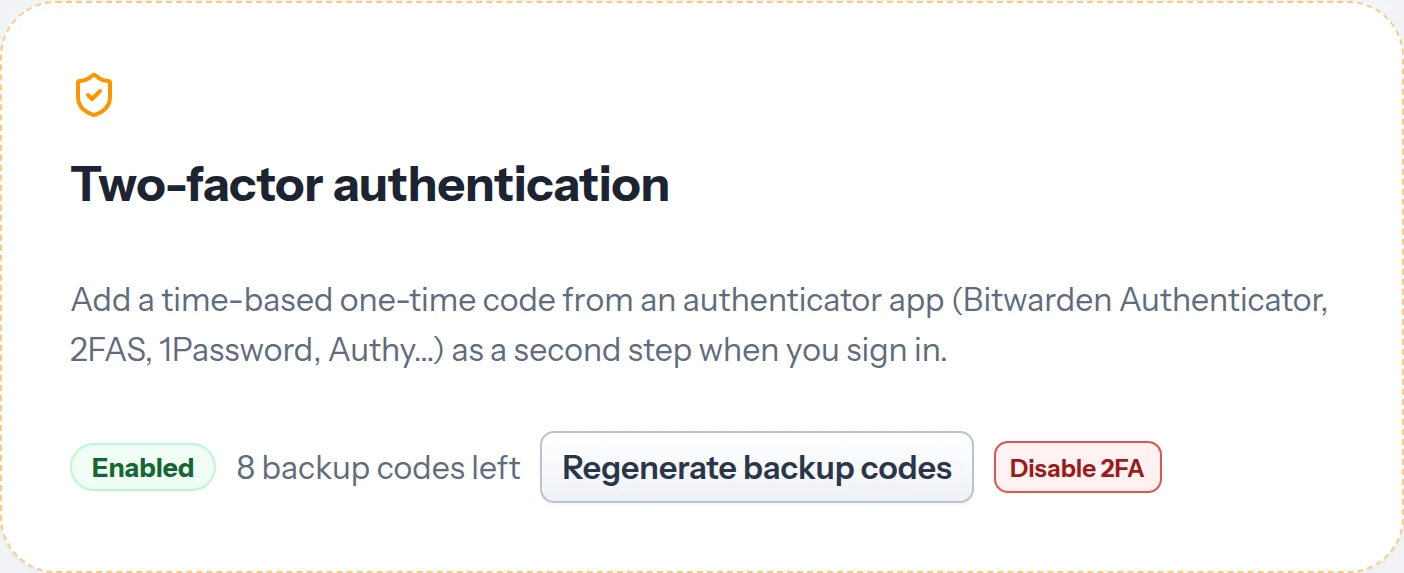
Add a one-time code from an authenticator app as a second sign-in step, with backup codes in case you lose your phone.
Notes, activity logs and ideal referrals belong to a person on your map and stay in your account. Nobody on your map can see what you wrote about them.
Deliberate capture
Kinnetly does not connect to your email, calendar or LinkedIn. You add people yourself, scan a card, swap a QR code or import a CSV or vCard file.
Dictation, recording summaries, card scans and meeting briefings run only when you ask, and the content you send is processed by AI providers to produce the result. Nothing is logged or sent to anyone on your behalf. For the full detail, see the privacy policy.
Kinnetly does not use your contacts or notes to train AI models. Public marketing pages are open to search engines, and your network is never part of that.
Data ownership
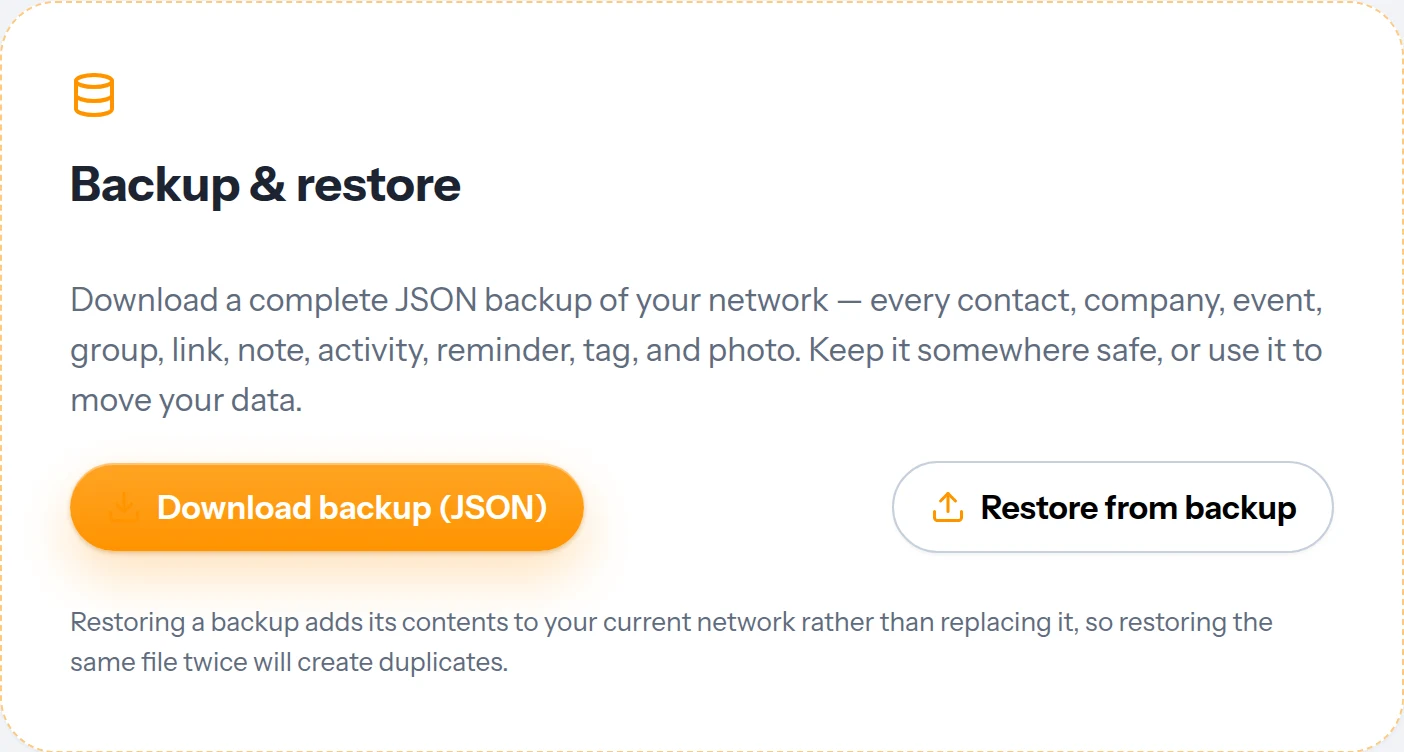
Download your whole network in one file: people, companies, events, groups, links, notes, activity, reminders, tags and photos. Restore it into a fresh account and choose which parts to bring back.
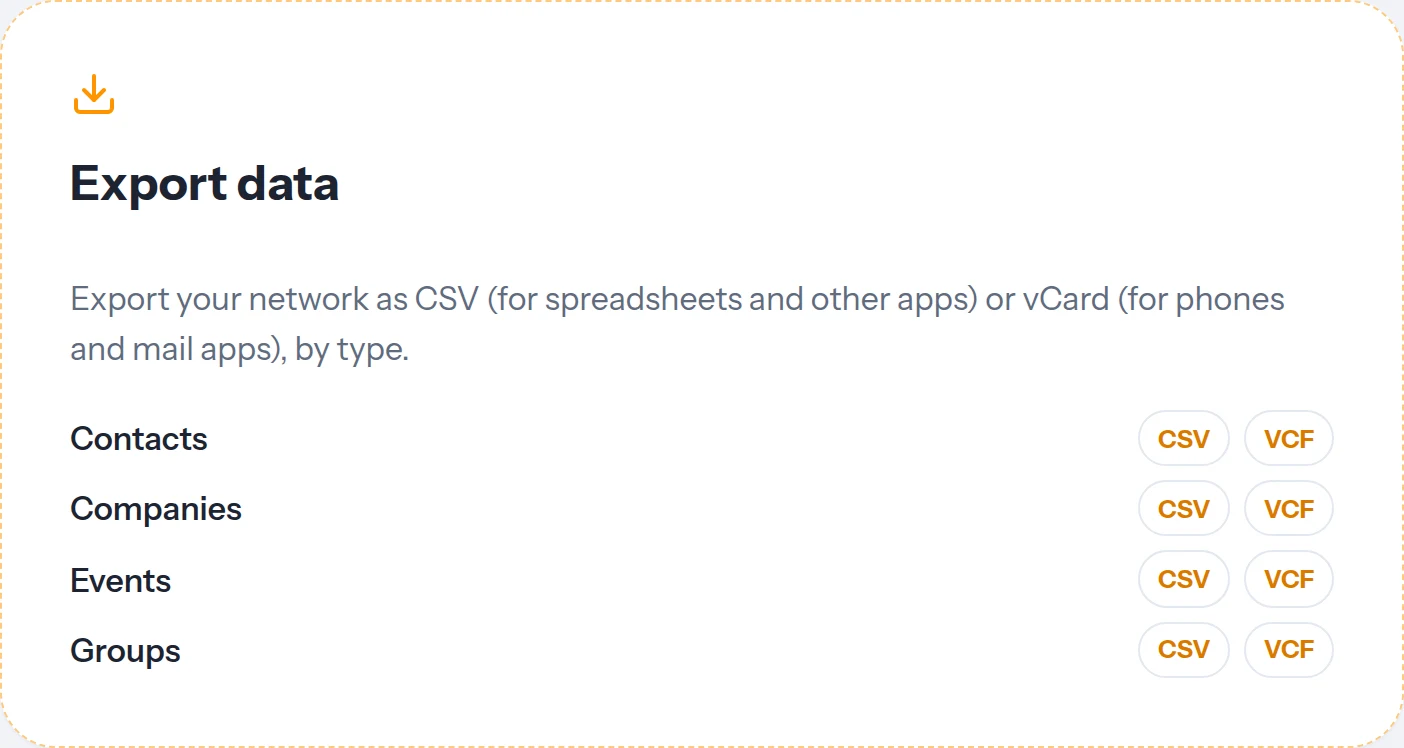
Export contacts, companies, events and groups as CSV for spreadsheets or vCard for phones and mail apps.
Archive a contact to hide them from the map without losing their history, and restore them any time.
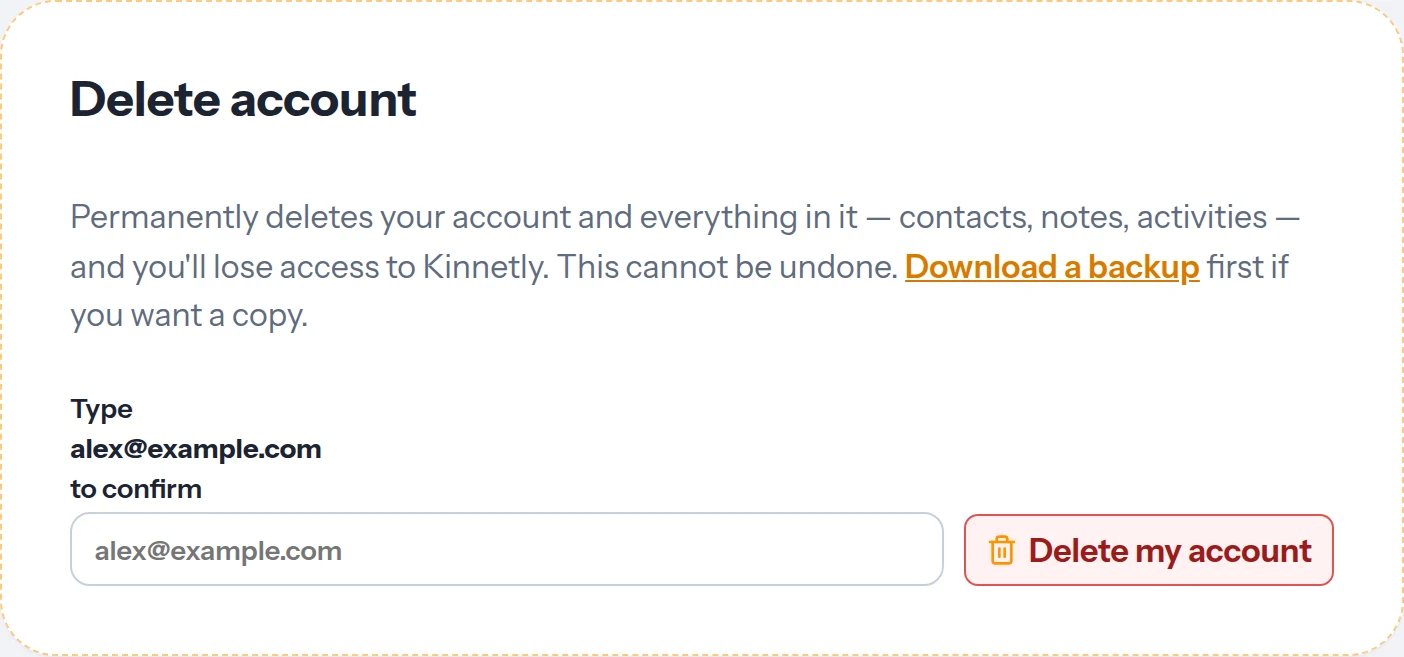
Deleting your account removes your whole network and every file you uploaded. Only a minimal, non-identifying record of the deletion is kept for security and audit. For the full detail, see the privacy policy.
In the app
Real screens from Kinnetly settings.
Boundaries
Being precise about privacy means saying what Kinnetly does not do, too.
Data is encrypted at rest and in transit, and protected by account-level access rules. It is not end-to-end encrypted.
When you use an AI feature, the content you send goes to AI providers to produce the result. Recorded audio is deleted once it is transcribed.
As a convenience, Kinnetly looks up a public Gravatar photo for a contact with an email address, and a logo for a company with a website. A photo you upload always takes priority.
There is no sharing, team access or delegated access to your map. It is built for one person.
Keep reading
FAQ
Yes. Your map is scoped to your account and visible only to you, and you choose which people, relationships, notes and activities to record.
No. There are no shared workspaces, and the people on your map are not told they are on it.
No. Kinnetly does not use your contacts or notes to train AI models.
No. Kinnetly has no email, calendar or LinkedIn connection. You add people and activities yourself.
Yes. Download a full JSON backup of your network, or export contacts, companies, events and groups as CSV or vCard.
Your whole network and every file you uploaded are removed. Kinnetly keeps only a minimal, non-identifying deletion record for security and audit, and payment records may be kept by the payment processor as the law requires.
Start with the people who matter. You choose what goes in, and you can take it all with you.
Get started free