 Kinnetly
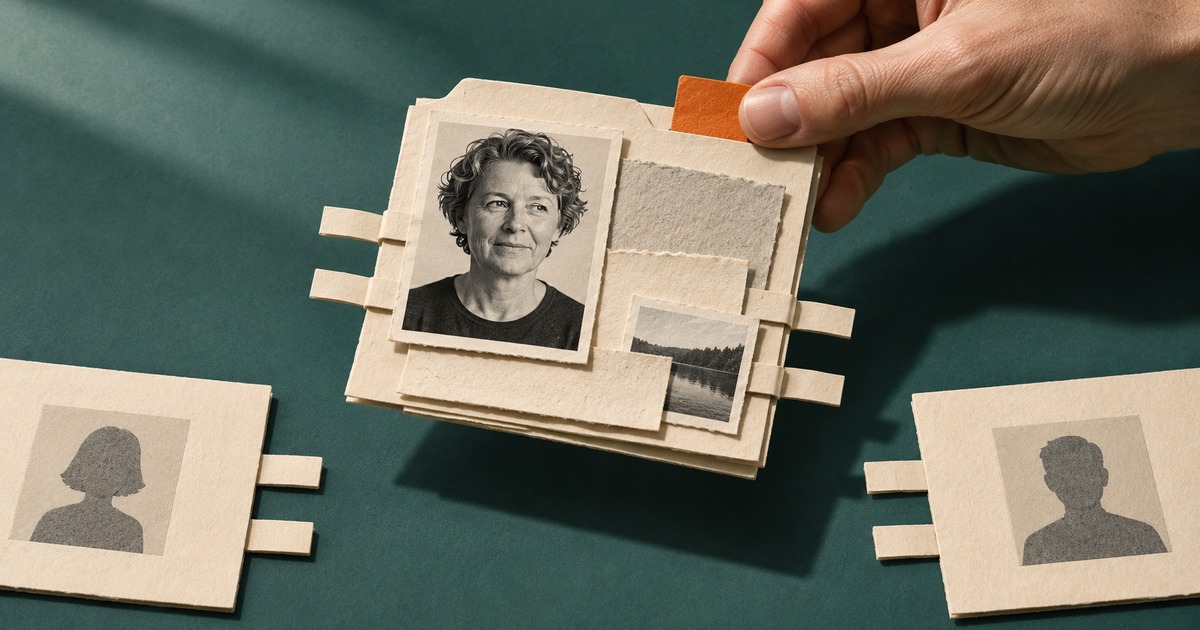
Deleting a contact from a personal CRM removes more than a name. In Kinnetly, deleting one person or other ordinary record permanently removes that record, the relationship links attached to it, and its saved history. The people, companies and events on the other end of those links stay in your map.
That distinction is easy to miss when you are trying to tidy a busy network. If you only want someone out of the active graph, Archive may be the better fit. If you need their information removed, Delete is the action that does it.
Archive and Delete solve different problems
| Action | What happens | Can you bring it back? | Best fit |
|---|---|---|---|
| Archive | Hides the contact from your active graph while retaining their record and history | Yes, from Archived | The relationship is quiet, but you may need its context later |
| Delete | Permanently removes the selected record, its links and associated history | No record-level undo | The information should no longer be kept |
Archiving is useful for reducing clutter. It is not a form of deletion. The saved information remains in Kinnetly and can be restored to your active map.
Deleting is different. Once you confirm it, you should not expect a recycle bin or a one-contact restore button.
What goes with one deleted contact
A contact in a relationship map is connected to other information. In Kinnetly, deleting that contact removes:
- the contact record itself
- relationship links involving that contact
- notes attached to the record
- logged activities, including saved transcripts and summaries
- tags attached to the contact
- the contact image
Imagine that Maya introduced you to Dev at an industry event. Dev's record is linked to Maya and to the event, and it contains a note from your first conversation.
If you delete Dev, Dev's record, the two links and the attached note go. Maya's record remains. The event remains. Their other relationships remain too.
The graph will no longer show those connections through Dev because the record that held them is gone. That does not wipe every neighbouring record from the map.
Check three things before you confirm
1. Are you removing information or clearing your view?
If the relationship is simply inactive, Archive keeps the history without leaving the contact in your active graph. You can restore it later if the person becomes relevant again.
If you no longer have a reason to keep the person's information, archiving does not meet that need. The data is still there. Delete is the appropriate action when the record itself should be removed.
2. Is there context you still have a legitimate reason to retain?
Open the record before deleting it. Check for an introduction you may need to understand, a commitment you still need to honour, or a note or recording summary you are required and entitled to keep elsewhere.
This is not a reason to keep everything by default. It is a chance to avoid discovering too late that the record held the only copy of a detail you still needed.
Also check whether the note contains information about someone else. Deleting one contact may remove context that helped explain another relationship, even though the other person's record remains.
3. Do you need an independent copy first?
Kinnetly can create a JSON backup of your full network. If you need a protected snapshot before a substantial cleanup, make the backup first and store it somewhere secure.
A backup is a separate copy of personal information, so treat it accordingly. Do not put it in a public converter, paste it into a public AI tool or leave it in an unprotected shared folder.
It is not an undo button. Kinnetly's restore process adds a backup's base network to the account. It does not roll the account back to an earlier moment or restore one selected contact by itself. Restoring into an existing map can also create duplicates. Read the personal CRM backup restore checklist before relying on a backup for recovery.
A CSV or vCard export is useful for portable contact details, but it is not a complete copy of the relationship graph and its history. The guide to personal CRM export explains the difference.
Deleting one contact is not deleting your account
Deleting a contact removes one selected record and the information tied to it. It does not close your Kinnetly account or erase the rest of your network.
Account deletion is a separate action with a much wider scope. If your intention is to close the account, follow the account deletion process and read the Kinnetly privacy notice rather than deleting contacts one by one.
It is also sensible to avoid making absolute assumptions about every stored copy disappearing at the same instant. Service backups and technical retention can follow different processes from removal in the active product. The privacy notice is the right place to check those boundaries.
Keep only what still has a purpose
Sometimes Archive is the careful choice. A former colleague may be out of your active view while the introduction history still has a clear use.
Sometimes Delete is the careful choice. Keeping information forever simply because it might be useful one day is not a sound default.
The Office of the Australian Information Commissioner discusses destroying or de-identifying personal information when an organisation no longer needs it, subject to the Australian Privacy Principles and their exceptions. That guidance applies to covered organisations, not automatically to every person keeping private relationship notes. Still, the practical question is worth asking: do you have a clear reason to keep this information?
Before you remove a relationship record, see what it contains. If you want a private map you can review, archive and back up, build your relationship map with Kinnetly.