 Kinnetly
You know someone who has worked on accessibility testing. Their name escapes you, and searching for “consultant” brings up half your network. Personal CRM tags can give you a more useful starting point: a label for the expertise you remember, attached to the people you've actually discussed it with.
Choose tags around questions you'll ask later. “Who knows about accessibility?” gives you a reason to use accessibility. “Who would be interesting to know?” doesn't give you much reason to use interesting.
You don't need a label for every detail. You need a few that help you find someone when their name isn't the thing you remember.
Choose the question before the label
Start with a recent search that was harder than it should have been. Perhaps you needed someone with experience in procurement, or wanted to compare notes with another independent consultant.
Write the question in your own words, then choose the shortest label that keeps its meaning. These are possible starting points, rather than a tag library to import wholesale:
| Question you expect to ask | Possible tag | What belongs behind it |
|---|---|---|
| Who has experience with accessibility testing? | accessibility | A note about the work they described |
| Who understands public-sector procurement? | public-sector-procurement | The relevant experience, without assuming it's current |
| Who works independently? | independent-consultant | Their current working arrangement |
| Who shares my interest in community gardening? | community-gardening | Something they've chosen to tell you |
Use the words you'd naturally look for. A tidy label such as sector-advisory-specialist won't help if you always think “procurement”.
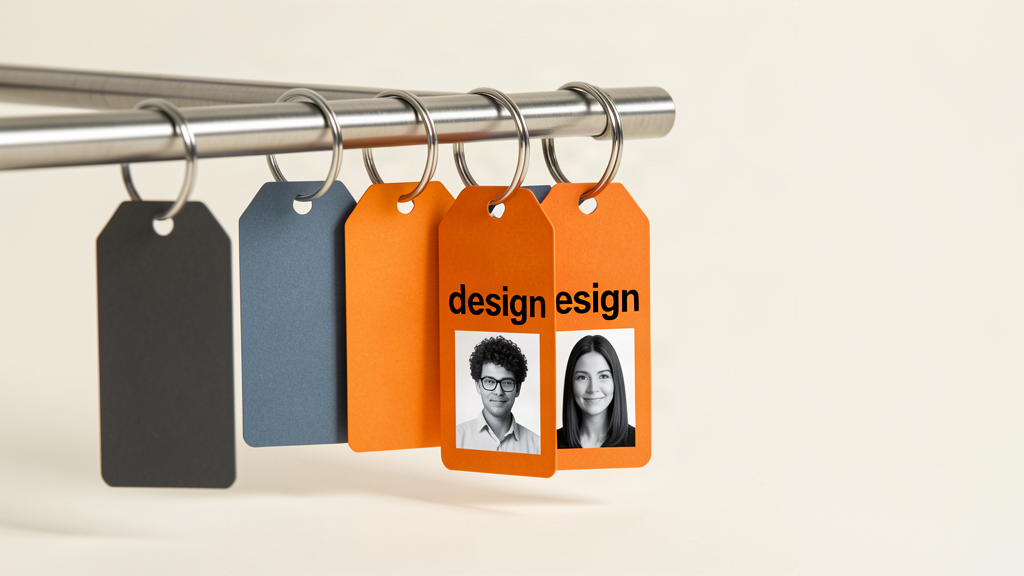
Broad tags can still be useful. design may be enough when you know only a few designers. If it starts returning people with very different experience, a more specific tag may earn its place. Let an actual search problem drive that decision.
Find someone with accessibility experience
Imagine you're a consultant trying to understand what's involved in an accessibility review. This is a fictional example, not a customer story.
You know Morgan from a local business group. They once described testing an online booking form with keyboard-only navigation. You also know Lee, who mentioned accessibility as an interest but hasn't told you about doing that work.
Both might reasonably have an accessibility tag. Their notes should explain the difference.
Morgan's record might say:
Discussed keyboard testing for a booking form in August. They described doing the testing themselves. Didn't ask whether they take on external work.
Lee's might say:
Interested in learning about digital accessibility. Shared a reading recommendation.
The tag finds the topic. The note helps you decide whose experience fits your question. Neither label means the person is available, willing to advise or ready to accept a referral.
In Kinnetly, user-defined tags and filters help you narrow the contacts you're looking at. Notes hold the detail, while the relationship graph keeps the connections around the person visible. You choose and add the tags yourself.
Give each idea one usual name
Tag-based organisation becomes awkward when the same idea appears as freelancer, freelance and independent without a deliberate distinction. You have to remember your filing choices before you can find your contacts.
Choose a usual term. If those labels mean the same thing in your system, use one consistently when tagging people. If they mean different things, make sure you can explain the difference in an ordinary sentence.
Avoid building a formal taxonomy for a network you use alone. You don't need category codes or a policy document. A short note to yourself can be enough: “Use accessibility for this topic. Keep the specific experience in the contact note.”
When a filter misses someone you expected to see, check their tags before inventing another category. The problem may be inconsistent labelling rather than a missing feature.
Leave the detail where it belongs
A company connection or a shared event may already be recorded on your map. Repeating every connection as a tag creates more information for you to maintain. Use a tag when it gives you a useful way to gather people across those existing connections, such as an area of expertise shared by people from different workplaces.
Keep one-off details in notes. “Compared two booking systems for a regional clinic” is useful context, but probably too specific to become a reusable tag. Kinnetly also supports full-text search across saved notes and activity, so a detail doesn't need a tag to be searchable.
Our guide to keeping relationship notes with the person covers what to record. Here, the decision is whether you'll want to retrieve several people under the same label.
Be careful with labels that make judgements about someone. difficult or high-value gives you little concrete context and can shape how you read the next interaction. Record relevant facts respectfully instead. Don't turn an old conversation into a permanent assumption about a person.
Try your next lookup with one topic tag. Check whether it finds the people you expected and whether their notes explain why they're there. Adjust the label if it doesn't help. Tag the expertise in your Kinnetly network.