 Kinnetly
Your Obsidian vault may already hold the details that make a relationship easier to pick up again: where you met, who introduced you, what changed after a conversation and which event put a new person in your orbit.
That does not mean you need to migrate the vault. A personal CRM is useful when it holds the relationship context you want to find during an actual conversation. Obsidian can remain the home for long notes, research and work that is not really about maintaining a relationship.
The practical move is selective: transfer a handful of people and the relationship facts you have checked, then see whether the new records help you prepare for the next conversation.
Start with five people you expect to revisit
Choose five people you are likely to speak with, work alongside or follow up with soon. For each person, gather only the related notes that explain a real relationship:
- a person note
- an event or group where you met
- a company that matters to the connection
- a known introducer
- one or two useful pieces of current context
Keep the source notes where they are. This is not a clean-up project and it is not a test of whether every old note deserves a new home.
A small group makes it easier to spot what the relationship map adds. It also makes it easier to correct a mistaken link before it becomes part of your routine.
Treat a note link as a prompt to check, not proof
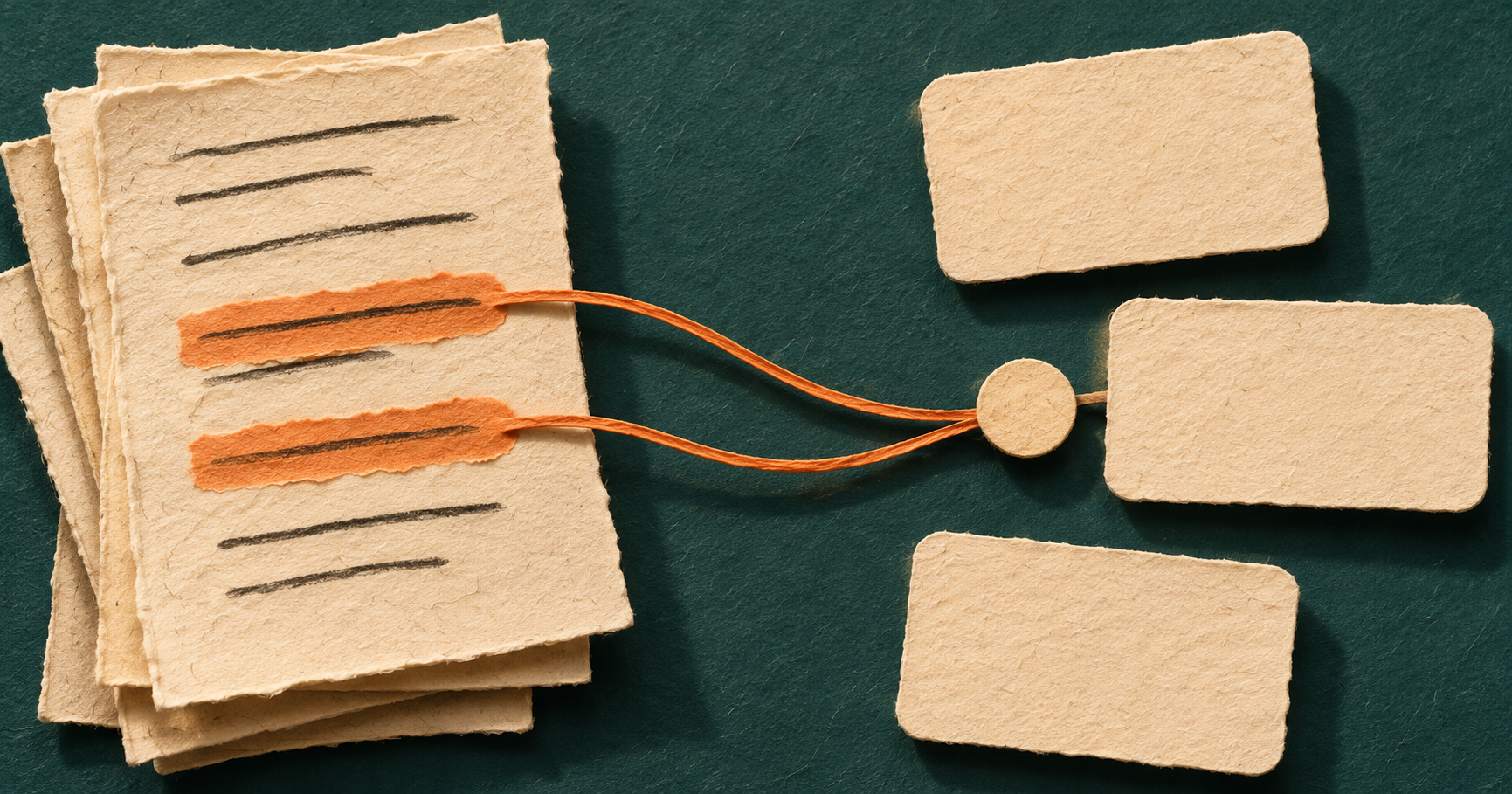
Obsidian links show that one note refers to another. They do not automatically prove that two people know each other, that someone made an introduction or that an event is the reason a relationship began.
Before creating a relationship link in Kinnetly, check the real-world fact behind it. If Mina introduced Leah at Spring Forum, that may be worth recording as an introduction path. If Leah's note merely links to an article Mina wrote, it is probably not a relationship connection at all.
That distinction keeps a relationship map useful. It should reflect the relationships you deliberately know about, not every association in a knowledge vault.
Give each useful fact a clear destination
You do not need to recreate every heading or backlink from a person page. Move the information that will help you understand the relationship next time.
| In an Obsidian note | In a personal CRM |
|---|---|
| Name, email or phone | The person's contact details |
| A short, durable relationship detail | A concise note on the person |
| Where you met | A verified event or group connection |
| Who made the introduction | An introduction relationship, when known |
| A current organisation that matters | A company connection |
| Long research, a full transcript or unrelated project work | Keep it in Obsidian |
For example, Leah's page may say that Mina introduced you at Spring Forum and that Leah is reviewing workshop exercises this month. Add Leah as a contact. Add the event and Mina only if those records will be useful in your map. Keep the original, fuller note in Obsidian and save a short, relevant summary on Leah's record.
The goal is not to duplicate your vault. It is to make the context you are likely to need available beside the relationship.
Do not look for a Markdown importer that is not there
Kinnetly imports contacts through CSV or vCard. It does not import an Obsidian vault, translate Markdown backlinks or keep two-way links in sync.
If you have a genuine address-book export, use the appropriate contact import route. CSV and vCard imports are for contact details, not for deciding which note links represent a meaningful relationship.
For the notes themselves, manual selection is a strength. You decide what is appropriate to carry into a private relationship record and what should stay in its original source. That also avoids turning half-finished thoughts or sensitive background material into contact data by default.
Check five records before you scale up
Once you have created the small set, open each contact as if you were about to speak with them. Ask:
- Is the person clearly identified?
- Does the note explain something useful without repeating the whole source page?
- Are the introduction, event, company or group links accurate?
- Would this record help you prepare for the next conversation?
- Did you keep the long-form material where it belongs?
If the answer is yes, repeat the approach for another small group. If not, revise the kind of information you are moving, rather than importing more material at once.
A relationship map and a knowledge vault can do different jobs well. Use a personal CRM to hold the people and connections you want to revisit. Keep Obsidian for the broader thinking that gave those relationships meaning in the first place.