 Kinnetly
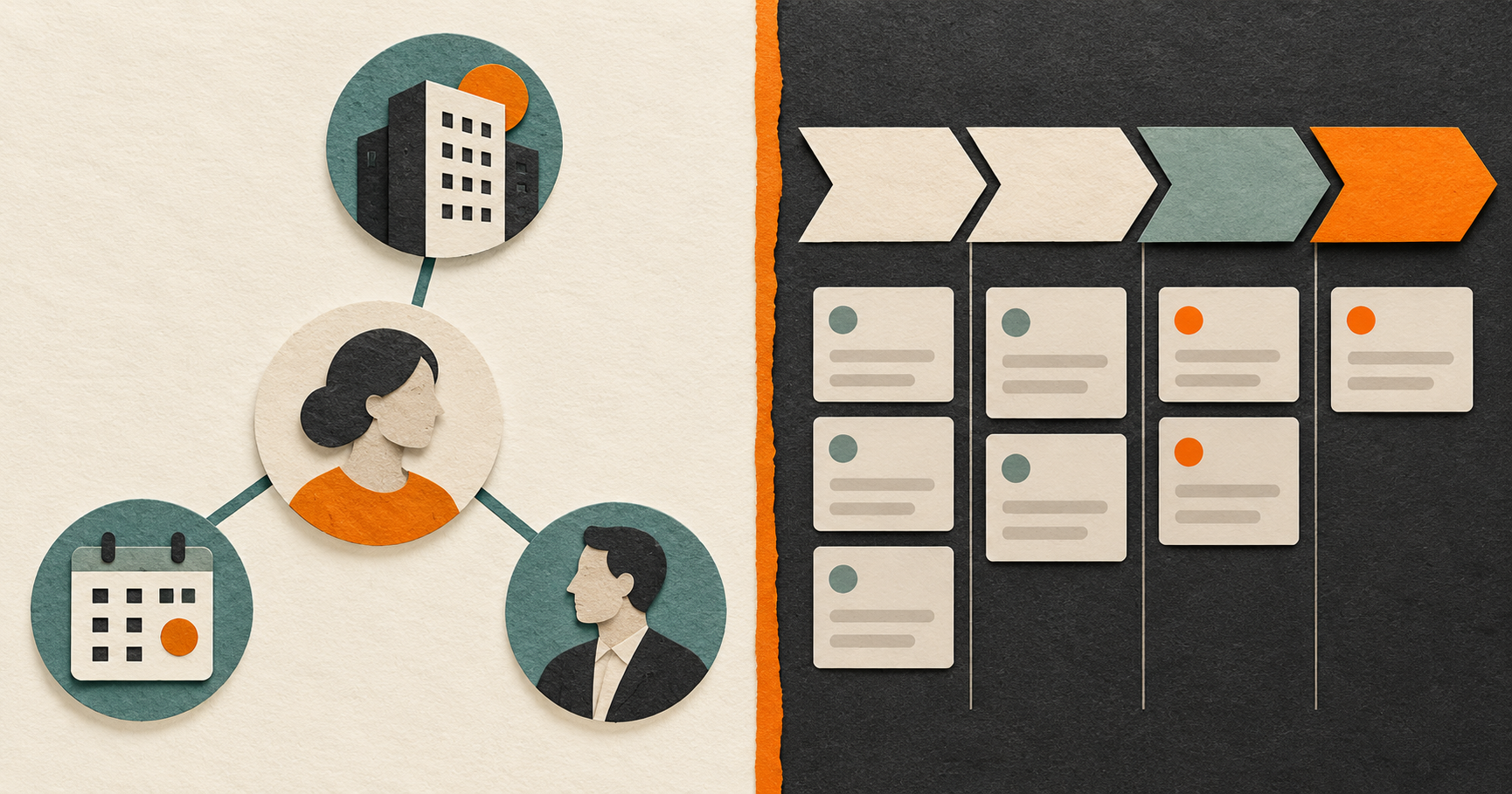
A personal CRM and a sales CRM, often called a business CRM, solve related but different problems. A business CRM coordinates a shared commercial process. A personal CRM helps one person retain relationship context and decide when to follow up. The right choice depends less on the label and more on the work that needs coordinating.
This is not an argument against sales CRMs. They are the right shape when a team needs a common view of customers, prospects, deals and revenue activity. A personal CRM is useful when the information is personal context that helps you show up prepared for a relationship, whether that person is a client, former colleague, adviser, collaborator or friend.
Start with the job, not the feature list
Salesforce describes a sales CRM as a system that helps sales teams manage customer relationships and sales processes. Microsoft similarly describes CRM as supporting customer relationships across functions including sales, service and marketing. In practice, the shared process is the important distinction.
Ask these questions:
- Does more than one person need to work from the same record?
- Are deal stages, ownership, forecasts or customer reporting important?
- Does the company need a durable record when someone changes roles?
If the answer is yes, a sales CRM is likely part of the answer. It gives a team a consistent record of what is happening with an account or opportunity.
Now ask a different set of questions:
- Do you need to remember how you met someone or who introduced you?
- Is the useful context private to your relationship with them?
- Do you want a prompt to reconsider a follow-up, rather than a pipeline task for a team?
- Does the relationship matter even when there is no active deal?
Those are personal relationship-management questions. They point towards a personal CRM.
A quick comparison
| Decision area | Personal CRM | Sales CRM |
|---|---|---|
| Primary job | Maintain an individual's relationship context and follow-through | Coordinate a shared sales process |
| Record ownership | One person's private working memory | A business record used across a team |
| Common focus | Conversations, introductions, notes and reminders | Leads, accounts, opportunities, stages and reporting |
| Useful when | A relationship extends beyond a transaction | A relationship is part of a repeatable revenue workflow |
| Team hand-offs | Not the purpose | A core reason to use it |
| Private context | Can be kept in an individual system | Needs a deliberate team policy before it belongs in a shared record |
There is overlap. Both systems may hold names, notes and follow-up tasks. The difference is what the surrounding workflow asks you to care about. A sales CRM commonly asks what stage an opportunity is in and who owns the next action. A personal CRM asks what you want to remember about a person, their context and the relationship around them.
When a sales CRM is the better fit
Choose a sales CRM when the record belongs to a team process. For example, a consultancy may need a shared history of customer conversations, proposal status, contract value and next steps. A manager may need reporting across several representatives. A hand-off between sales and account management needs a record that is available to the next person.
In those cases, a personal system is not a substitute. Kinnetly does not run a shared sales pipeline, qualify leads, forecast revenue or provide team collaboration. Keeping a company process in the tool built for that process is usually clearer for everyone involved.
When a personal CRM is the better fit
A personal CRM is useful when you need continuity that does not fit cleanly into a deal record. Consider a founder who wants to remember the introduction to an adviser, the event where they met, and a personal note from the last conversation. Or a consultant who wants to keep context on a former client and the person who first referred them.
Kinnetly is built for that individual layer. Its map can connect people with companies, groups and events. You can record introduction or first-contact dates, store private notes and activities, search across notes and activity descriptions, and set one-off or recurring follow-up reminders. These are tools for a person to organise their own relationship memory, not a way to manage a team’s customer database.
Use the detail sparingly. A helpful note may be a project update, an agreed introduction, or the event where you met. It does not need to become a dossier. Good relationship context is relevant, accurate and easy to revisit.
Using both without duplicating everything
Many people need both systems. A salesperson, founder or consultant can use a sales CRM for active commercial work and a personal CRM for their private map of the people around that work.
A simple boundary helps:
- Put shared customer, opportunity and delivery information in the sales CRM.
- Keep private, person-specific context in your personal system when it is appropriate to retain.
- Do not copy sensitive notes into a company system simply because a person is attached to an account.
- Review your own notes before a meeting and decide what belongs in the shared business record, if anything.
This avoids trying to turn one database into every kind of memory. It also respects the fact that a relationship may outlast an opportunity, employer or project.
A neutral selection checklist
Before choosing, write down one real workflow. Perhaps it is preparing for a client meeting, following up with an introducer, or handing a qualified opportunity to a colleague. Then test the system against that workflow.
A sales CRM is a strong fit if you need shared ownership, pipeline stages, forecasting and reporting. A personal CRM is a strong fit if you need private context, introduction provenance, a map of existing relationships and prompts that leave the next human decision to you.
If your need is both, use both with clear boundaries. A personal CRM should not replace the company’s pipeline. A sales CRM does not have to hold every piece of personal relationship context.
Kinnetly is designed for the individual relationship layer. See how the relationship map works, or get started with Kinnetly for free if you want a private place to organise the people and context you already know.