 Kinnetly
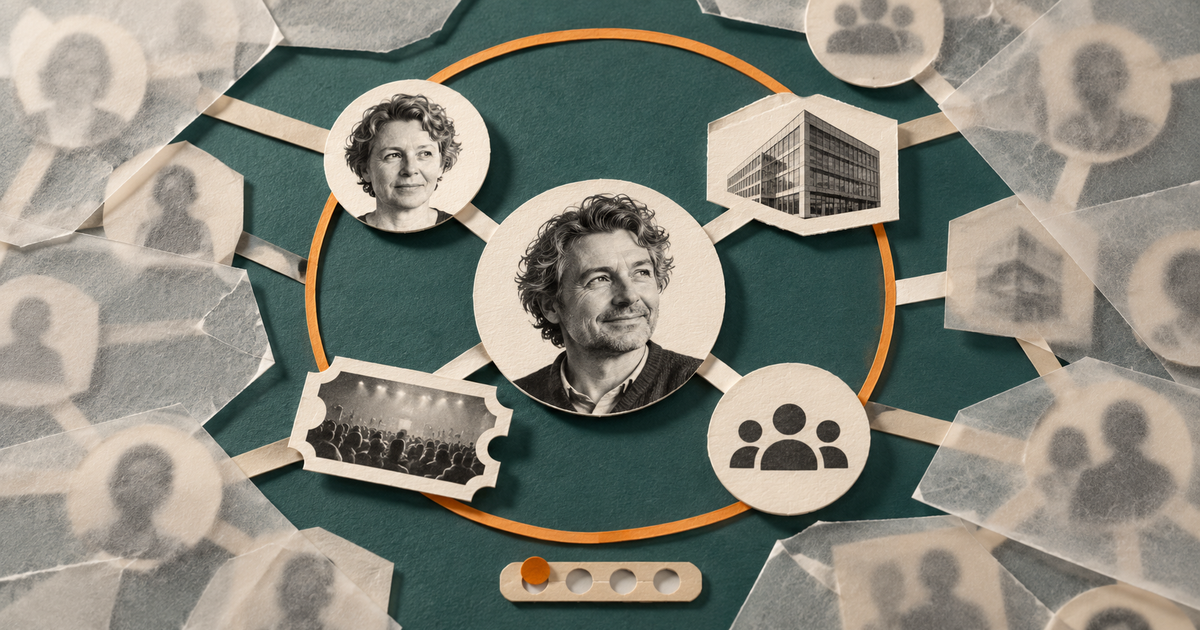
Learning how to read a relationship graph gets harder once the whole map fills with people, companies, events and groups. The useful contact is still there. They are simply competing with every other recorded connection for your attention.
A crowded map doesn't mean you need to delete honest history or invent a new filing system. Treat it as a reading problem. Find one known person, inspect their nearest recorded connections, then widen the view only if you have a reason.
A busy graph is for orientation, not ranking
A whole-network view can show the shape of your recorded relationships. It can help you spot familiar areas, move between clusters and remember that one person belongs to more than one part of your working life.
It cannot tell you who matters most.
More visible links do not prove a closer relationship, greater influence or permission to ask for something. A busy event organiser may have many recorded links because you connected attendees to the same event. A former colleague may have only a few links and still be someone you know well.
Graph designers sometimes call a dense, unreadable network a “hairball”. Cambridge Intelligence describes navigation and focused inspection as ways to make dense graph views easier to read. That is a general design principle, not evidence that every crowded Kinnetly map has a problem.
The practical response is modest: decide what you want to inspect before you start following lines.
Start with a name you already know
Open the entire relationship graph and choose one person whose surroundings you want to understand. Perhaps you remember the person clearly but want to check how you recorded the relationship around them.
Use Highlight to locate their node by name. This step is deliberately narrow. It finds a person already on your map. It doesn't search private notes for an unknown name, discover new people or decide which contact deserves your attention.
Once the person is visible, resist the urge to read the whole screen. Begin with the lines that touch their node directly.
Let one hop answer a small question
Set Depth to 1, then hover over or select the person. Kinnetly highlights the first recorded connections around that node.
One hop means one graph link. Depending on what you have saved, that link might connect the person to:
- another person who introduced or contacted them
- a company where they work or worked
- an event where you met
- a group that gives the relationship context
Read each line for what it actually records.
Imagine a designer on your map is connected to a former employer and a community meetup. At Depth 1, those links tell you that the company and event are part of the context you saved for that person. They do not show that everyone linked to the same company or meetup knows the designer.
That distinction keeps the graph useful. A link records a relationship or setting you chose to save. It is not a score, an endorsement or a claim about everyone else nearby.
Add depth only when the question needs it
Depth 2 and 3 widen the highlighted neighbourhood by another recorded step. Use them to answer a specific follow-on question.
For example, after finding the designer's community meetup, you might want to see which other people you also connected to that event. Moving to Depth 2 may reveal those paths. What you have learned is that your records share a context. You have not established that those people met, remember one another or would welcome contact.
If a wider setting makes the view harder to read, return to Depth 1. Nothing has been lost. You are changing what is highlighted, not deleting or filtering records from the map.
All is the broadest highlight setting. It can help you see how the selected node sits within the whole recorded graph, but it does not measure closeness. Broadest does not mean strongest.
A useful rhythm is simple:
- Find the known person.
- Read the direct recorded links at Depth 1.
- Move to Depth 2 or 3 only to test a particular path.
- Return to 1 when the extra context stops helping.
Move to focused view for the person's context
The whole-network view answers “where is this person in my map?” The focused view is better for “what have I recorded around this person?”
Select the node and move into the focused relationship mapping view. Kinnetly centres the selected person and shows the nearby recorded connections two levels out. From there, you can inspect the relationship label and the context you chose to save without asking the full graph to stay legible at once.
Clicking another nearby node changes the focus. That can be useful when your question moves from a person to their company, an event or another contact. It also gives you a natural stopping point. Once you have found the context you came for, you do not need to keep tracing the map.
Read proximity literally before you act
Graph proximity is easy to overinterpret. Two people may sit a short path apart because they share a company, group or event in your records. That path does not prove they know each other, that a membership is current or that either person has agreed to an introduction.
Before acting on what you see, check the real-world meaning of each step. Was this a direct introduction, a former workplace, a one-off event or a group connection? Is the detail current enough for the question you are asking?
If the path leads to a possible introduction, the map is only your starting record. The people involved still decide what happens next. Kinnetly's guide to a double opt-in introduction explains why permission comes before making the connection.
Stop when the question is answered
A relationship graph becomes easier to read when you give it one job at a time. Locate one person. Inspect one hop. Widen the highlighted area only when the next recorded step matters.