 Kinnetly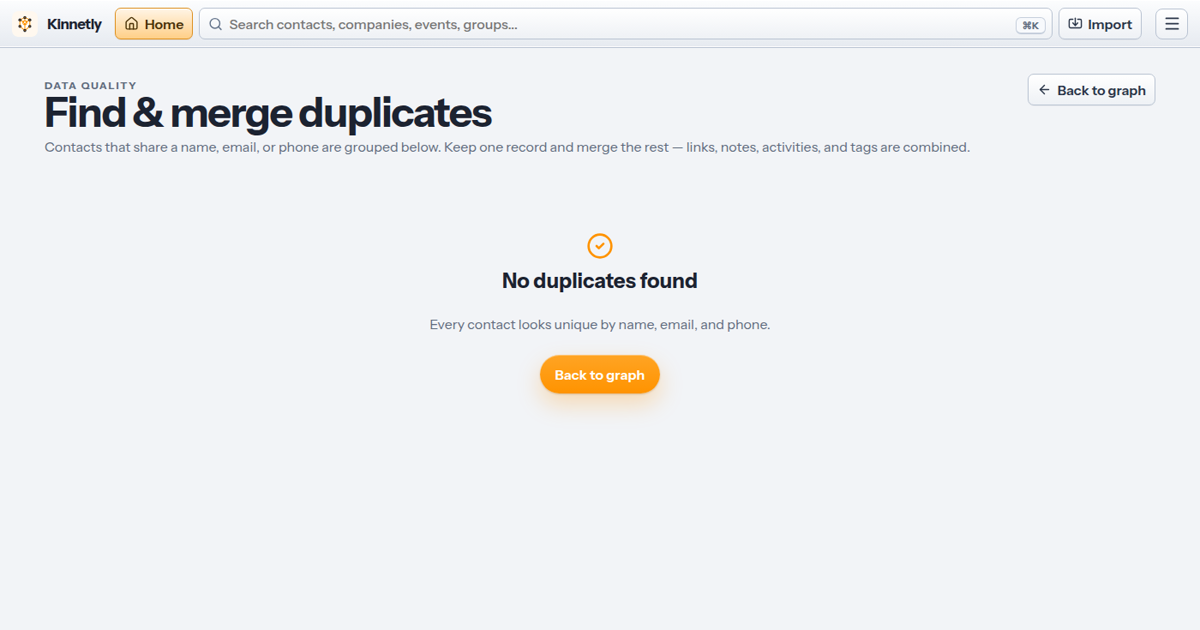
Duplicate contacts seem harmless at first. One person appears twice, maybe with an old email on one record and a newer note on the other. Then you go to follow up and you don't know which record to trust.
That small doubt is the real problem. A personal CRM is only useful if it feels reliable when you come back to it later.
This is where duplicate contacts do more damage than messy formatting or an old job title. They split the story of a relationship across records, which makes the whole system feel less worth using.
Why duplicate contacts are easy to miss
Most duplicate contacts don't look dramatic. They appear because real life is messy.
You meet someone at an event, then import a CSV later. They change jobs. You scan a business card after already adding them from LinkedIn. Their name is written one way in a phone contact and another way in a vCard.
None of that means you've been careless. It means your contact data reflects how relationships actually form: over time, across places, with fragments of context arriving in different moments.
The trouble starts when those fragments never get joined.
The cost is trust, not storage
A duplicate record rarely costs you much space. It costs confidence.
If one record has the meeting note and another has the reminder, which one do you use? If you can see that Sam introduced you to Priya on one record, but the follow-up history sits somewhere else, your map is technically full of information but practically hard to trust.
Duplicate matching is harder than it looks. Names, dates, email addresses and job titles can be incomplete, inconsistent or slightly wrong. That is true in large databases, and it is still true in a personal CRM.
For a relationship system, the effect is personal. You hesitate before reaching out because you aren't sure what happened last time.
Split records create split context
A useful personal CRM should answer simple questions quickly.
Where did we meet? Who introduced us? What did I promise to send? When should I check in again?
Duplicate contacts make those questions harder because the answers may be scattered. One record might hold the notes. Another might hold the company link. A third might have the clean email address from a recent import.
That matters because relationships are built from context. If the context is split, the next message gets harder to write. You either spend time checking every record, or you guess.
Neither feels good.
Clean data makes the second visit easier
A lot of CRM advice focuses on capture: add more notes, record more meetings, import more contacts.
Capture matters, but it only helps if the information stays findable later. The second and third visit to your personal CRM are where trust is built.
If you open a contact and see one clear record with notes, introductions, tags and reminders in the same place, the system feels useful. You can act. If you see near-duplicates and half-records, the tool starts to feel like another inbox to clean.
That is why contact cleanup should be treated as relationship maintenance, not admin for its own sake.
A practical cleanup habit
You don't need a perfect database. You need a lightweight habit that keeps the mess from taking over.
Start with the people you are most likely to contact this month. Search for obvious duplicates by name, company and email. Merge records where they are clearly the same person. Archive old records you don't need in daily view, rather than deleting useful history too quickly.
Then do the same after imports. CSV and vCard imports are useful, especially after events or phone cleanups, but they are also when duplicates often appear. A quick review straight after import saves a lot of uncertainty later.
A good rule: if you would pause before emailing someone because the record looks wrong, clean that record now.
How Kinnetly helps
Kinnetly is built around one trusted record per relationship. It warns you about possible duplicates when you create contacts, and it includes find-and-merge tools for cleaning up records that already exist.
That matters because Kinnetly stores more than contact details. Your graph can show how people, companies, events and groups relate to each other. It can record who introduced whom, keep notes and activity history, and remind you when to follow up.
When duplicate contacts are merged, that context can live in one place. The relationship graph becomes easier to read, and the next action is clearer.
Kinnetly also gives you safer ways to tidy your network over time. You can archive contacts instead of deleting them, restore archived contacts if needed, and back up your network as JSON. That makes cleanup feel less risky.
What to clean first
If your contact list already feels messy, don't start with everyone. Start where duplicates cause the most friction.
Look for people with active follow-ups, recent meeting notes, introduction history, or several versions across imports. Those are the records where split context can lead to missed details.
Then work outward. Clean the relationships you use often, and let the rest wait until they become relevant.
The goal is not a perfect contact database. The goal is a personal CRM you can open without second-guessing it.
If your network has started to feel messy, clean up your network in Kinnetly and keep one trusted record for each relationship.