 Kinnetly
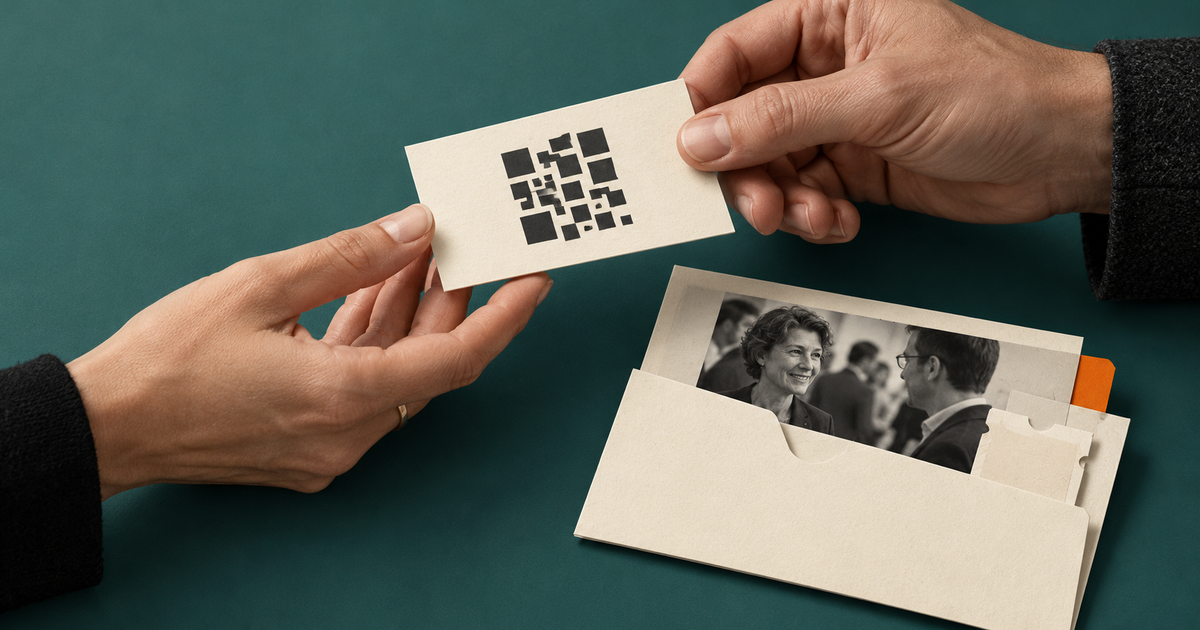
QR contact sharing can put someone’s details on your phone in seconds. It cannot remember why you met, what you discussed or whether either of you promised to do something next.
That distinction matters. A contact card is useful data, but it is only the start of a relationship record. The rest should come from a real interaction and your own judgement.
What a QR contact card actually carries
Most contact-sharing QR codes contain a vCard. This is a standard format for exchanging details such as a name, phone number and email address. Your phone reads the code and turns those fields into a contact card.
That is the job of the format. The vCard specification describes contact and directory information, not the history or meaning of a relationship.
A scan does not tell you:
- who introduced you
- where the conversation happened
- what made it useful
- whether the person wants to hear from you again
- what either of you agreed to do
Treat the scan as an exchange of selected details, not as proof of trust or permission for future marketing.
Put a review step between scanning and saving
Speed is helpful when two people are standing in a noisy room trying to swap details. It becomes less helpful if a scan quietly creates a permanent record without showing you what it found.
A better QR contact workflow has three distinct steps: scan, review, then create.
Check the name, company, phone number and email address before saving. Correct anything that looks incomplete or out of date. If the code opens a website or asks for a login rather than showing contact details, stop and check what you scanned.
Kinnetly follows this review-first approach on mobile. You can show your own vCard through My code, or use Scan to read another Kinnetly or standard vCard QR code. A scanned card opens the add-contact wizard with the available fields filled in. You review the details and choose whether to create the contact.
Nothing about that scan adds a relationship link, logs a conversation or sends a message.
Add only the context you will use
Once the contact is worth keeping, add enough context to make the next interaction accurate. Usually, that means a few deliberate details rather than a full account of the conversation.
Start with the meeting point. Connect the person to the event, group, company or introducer that explains how they entered your world. This gives the contact a place on your map instead of leaving them as an isolated name.
Then write one private note in plain language. For example:
Met Sam at the local founders breakfast. Priya introduced us. Sam asked for the accessibility checklist I mentioned.
That note preserves the useful part without turning a friendly conversation into a surveillance file. You know where the connection came from, what was discussed and what you offered to do.
If you want a fuller method, use this guide to remember where you met someone.
Let a real commitment decide the next step
A new contact does not always need a follow-up. Sometimes the exchange was practical, the conversation was complete and both people can leave it there.
Set a one-off reminder when there is a genuine reason, such as sending a resource you offered or checking in about a topic you agreed to revisit. Use a continuing follow-up rhythm only when you actually want to maintain the relationship.
This keeps your reminders tied to human commitments rather than contact collection. It also makes the list easier to trust. When a reminder appears, you can see why it exists.
Sharing details is not consent to outreach
Showing someone a contact QR code is a deliberate way to share the fields on that card. It does not expose their contacts, reveal a relationship map or create a social connection.
It also does not give either person blanket permission to add the other to a mailing list or start an automated sequence. If you want to contact someone later, use the expectations set by the conversation. A promised link is different from an unsolicited campaign.
The same care applies to the notes you keep. Record what helps you recognise the person and honour an agreement. Leave out sensitive details that have no useful place in your private relationship record.
Be cautious with unexpected QR codes
A QR code can hold contact data, but it can also point somewhere else. The Canadian Centre for Cyber Security advises people to watch for tampered codes and unexpected requests for passwords, payments or personal information.
For an in-person contact exchange, scan a code shown by the person you are meeting. Use your phone’s built-in camera or a reader you trust. If the result is not the contact card you expected, do not continue simply because the code looks familiar.
Kinnetly’s QR workflow reads Kinnetly and standard vCard contact codes. It is a contact exchange, not a payment or login flow.
Keep the exchange and the relationship separate
The cleanest record has two layers. The first is the contact card the other person chose to share. The second is the context you add after deciding the interaction matters.
In Kinnetly, that can mean reviewing the scanned details, connecting the person to an event or introducer, adding a concise private note and setting a reminder only when there is a real next step. Your graph, notes and activities are not shared with the person whose card you scanned.
If you need to create a code before an event, Kinnetly also has a free contact QR code generator. Check every field before you show it to someone.